


LinkCom 5™
IPDS Transforms for Laser and Dot Matrix Printers
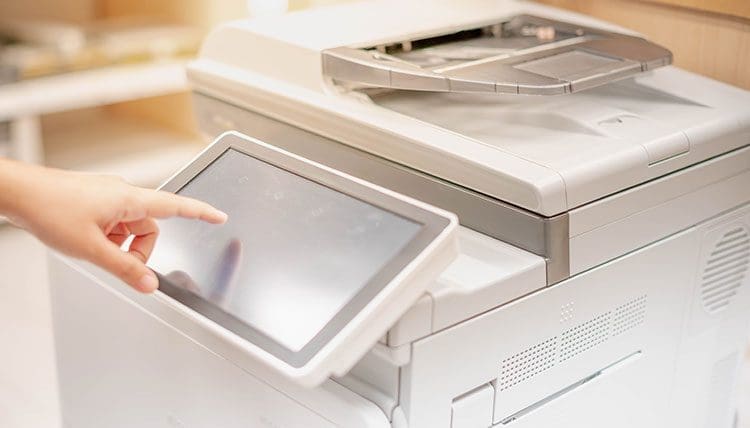

Flexible Printing IBM Data Streams on Office Printers
Key Features: LinkCom 5
Support up to 10 printer sessions
By enabling the Host to Net printing feature and activating a multi-print session license a LinkCom 5 unit can administer up to 10 simultaneous print sessions.
Multiple sessions are enabled via the license key. Pricing depends on the required number of printers supported by the LinkCom 5 PrintServer.
Converting Host Data to Common Output Formats
IBM host print data is translated in the LinkCom 5 and converted into PCL, PostScript, ProPrinter, or Epson and sent to the printer using TCP/IP or a USB connection.
Printing from office applications is directed transparently via LinkCom 5 and sent directly to the printer. Any MFP capability of the printer e.g. remote configuration, scanning, or fax option remains fully operational.
Transparent Printing of Office Application Output
When standard office application output is sent to a printer with LinkCom 5 it is passed transparently through LinkCom 5 and is forwarded unaltered to the printer.
Want to read all about this solution in PDF format?
Discover the Functionalities of LinkCom 5
- Direct configuration via Ethernet over USB without network connection (OTG port)
- System printing on any type of laser, MFP, or matrix printer
- Up to 10 simultaneous print sessions per LinkCom Print Server
- Supports IPV6 and IPV4 protocols
- Compatible with Gigabit networks
- Full IPDS stream support including color
- Setup through the MPI Tech Print Guide utility or a web browser
- IPDS, SCS, and DCA conversion to PCL, PostScript, ProPrinter, or Epson
- Ability to print over the network in TCP/IP
- Supports TCP/IP protocols for System i sessions
- Supports TN5250e/TN3270e protocols
With LinkCom 5, you turn your office printers into real production printers.

LinkCom 5: Benefits
Optimized for IBM/Office Shared System Environments
The LinkCom 5 print server makes it easier than ever to connect laser or dot-matrix printers to complex network environments and print IBM data streams.
Completely Transparent Compatibility with Office Applications
Printing documents from Office applications is completely transparent and direct through the LinkCom 5 box.
MFPs features such as remote configuration, scanning or faxing remain fully operational.