


Understanding Document Workflow Automation
A Complete Enterprise Guide

Orchestrate the entire document lifecycle securely, digitally, and at scale
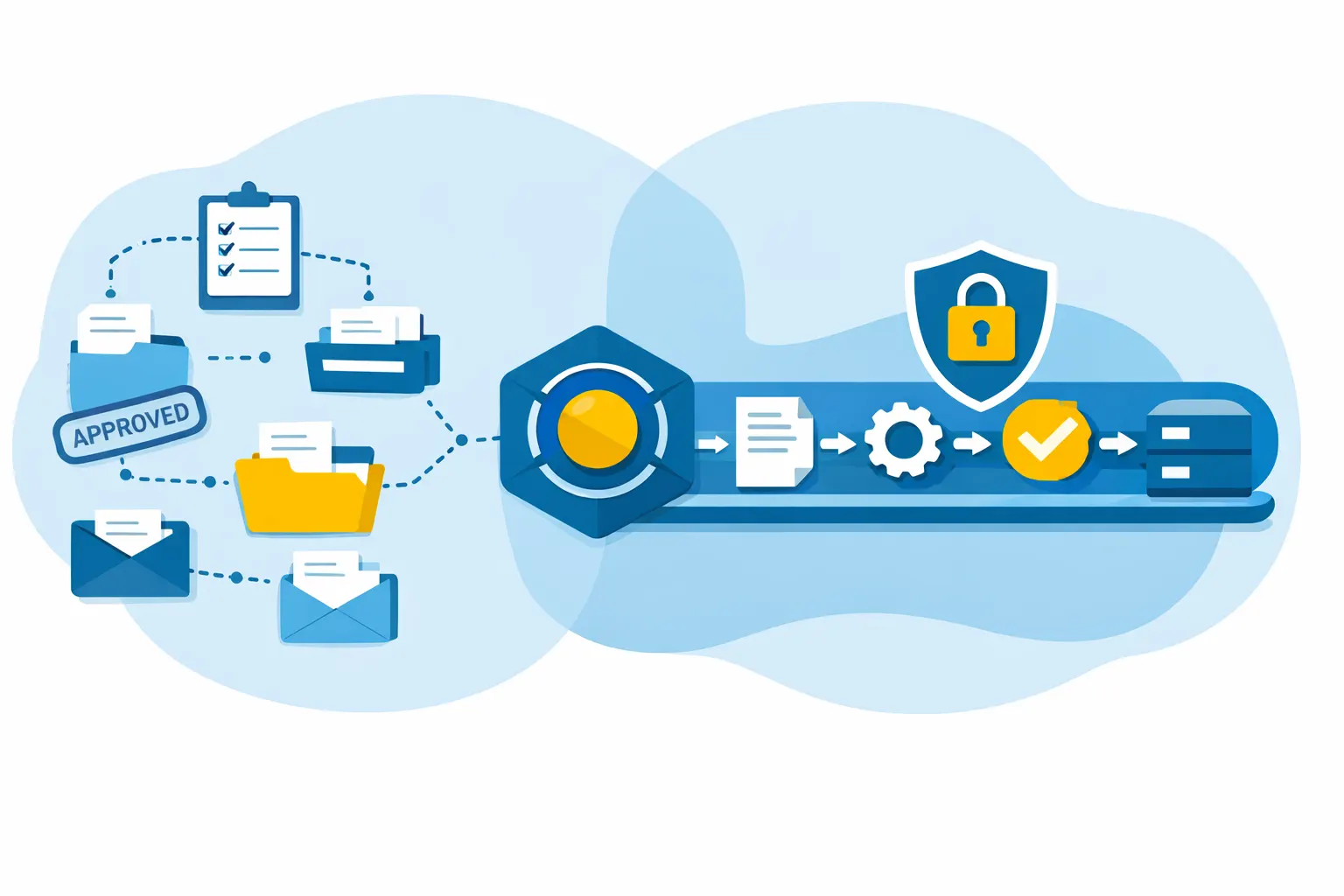
Why Document Workflows Matter More Than Ever
Enterprises are under constant pressure to move faster, reduce costs, improve customer experience, and comply with increasingly strict regulations. While digital transformation initiatives often focus on applications and data, documents remain the operational backbone of most business processes.
A single document may pass through dozens of systems and people before reaching its final destination. Without automation, this leads to delays, errors, compliance risks, and rising operational costs. Document workflow automation brings structure, control, and intelligence to this complexity.
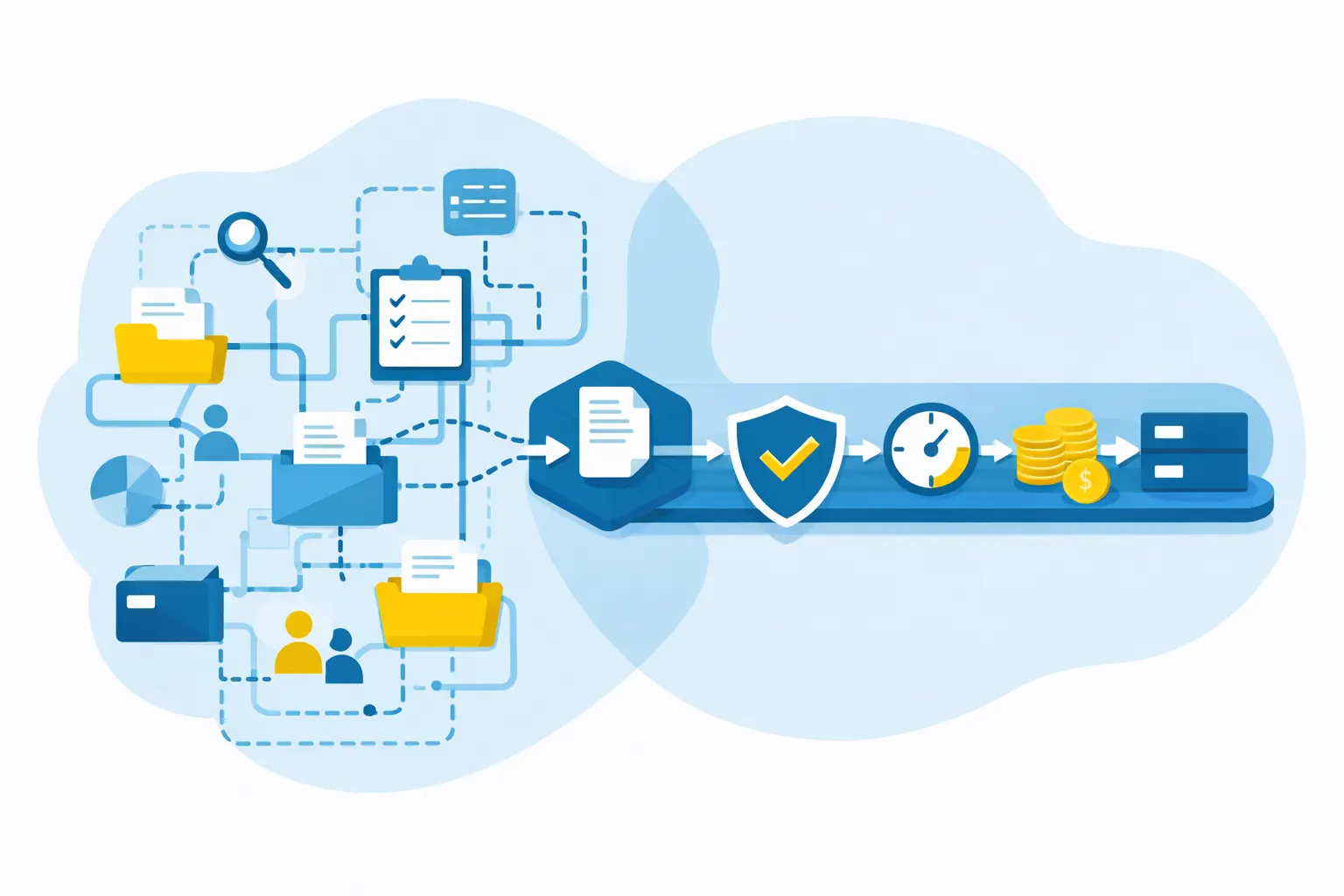
What is document workflow automation?
Document workflow automation involves using software solutions to design, execute, manage, and optimize all processes throughout the document lifecycle, without repetitive manual interventions.
At the company level, it covers in particular
-
Automated document generation and formatting
-
Intelligent routing for validation and approval
-
Conversion to different formats and standards
-
Distribution across digital and physical channels
-
Access management and usage tracking
-
Secure archiving in compliance with regulatory requirements
The challenge goes beyond simple file management. Documents are no longer considered static elements, but rather business assets integrated into structured, controlled, and auditable processes.
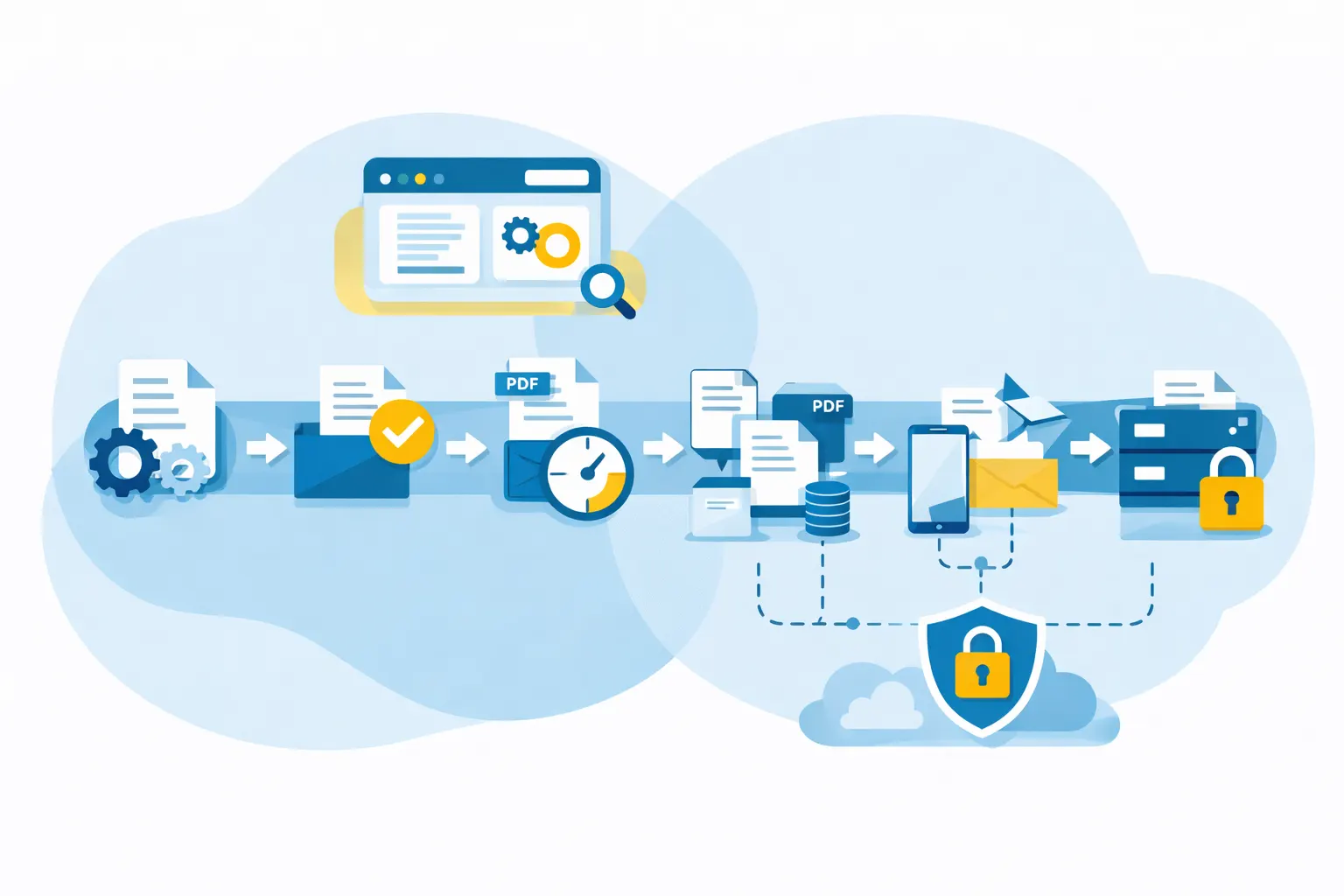
The Enterprise Document Lifecycle Explained
To understand document workflow automation, it’s essential to understand the document lifecycle. In enterprise environments, this lifecycle typically includes:
Document Creation
Documents originate from business applications such as ERP, CRM, HR, billing, or existing systems. Automation ensures consistent templates, branding, and data accuracy from the start.
Validation and Approval
Documents often require reviews, approvals, or compliance checks. Automated workflows route documents to the right stakeholders, apply business rules, and maintain full traceability.
Transformation and Formatting
Enterprise documents must be delivered in different formats (PDF, print, email, archive-ready). Automation ensures correct rendering, layout integrity, and format compliance.
Distribution
Documents are sent through multiple channels: email, portals, hybrid mail, print, or secure electronic vaults. Automated workflows select the optimal channel based on rules and recipient preferences.
Archiving and Retention
Documents are indexed, stored, and retained according to legal and regulatory requirements, with controlled access and audit trails.
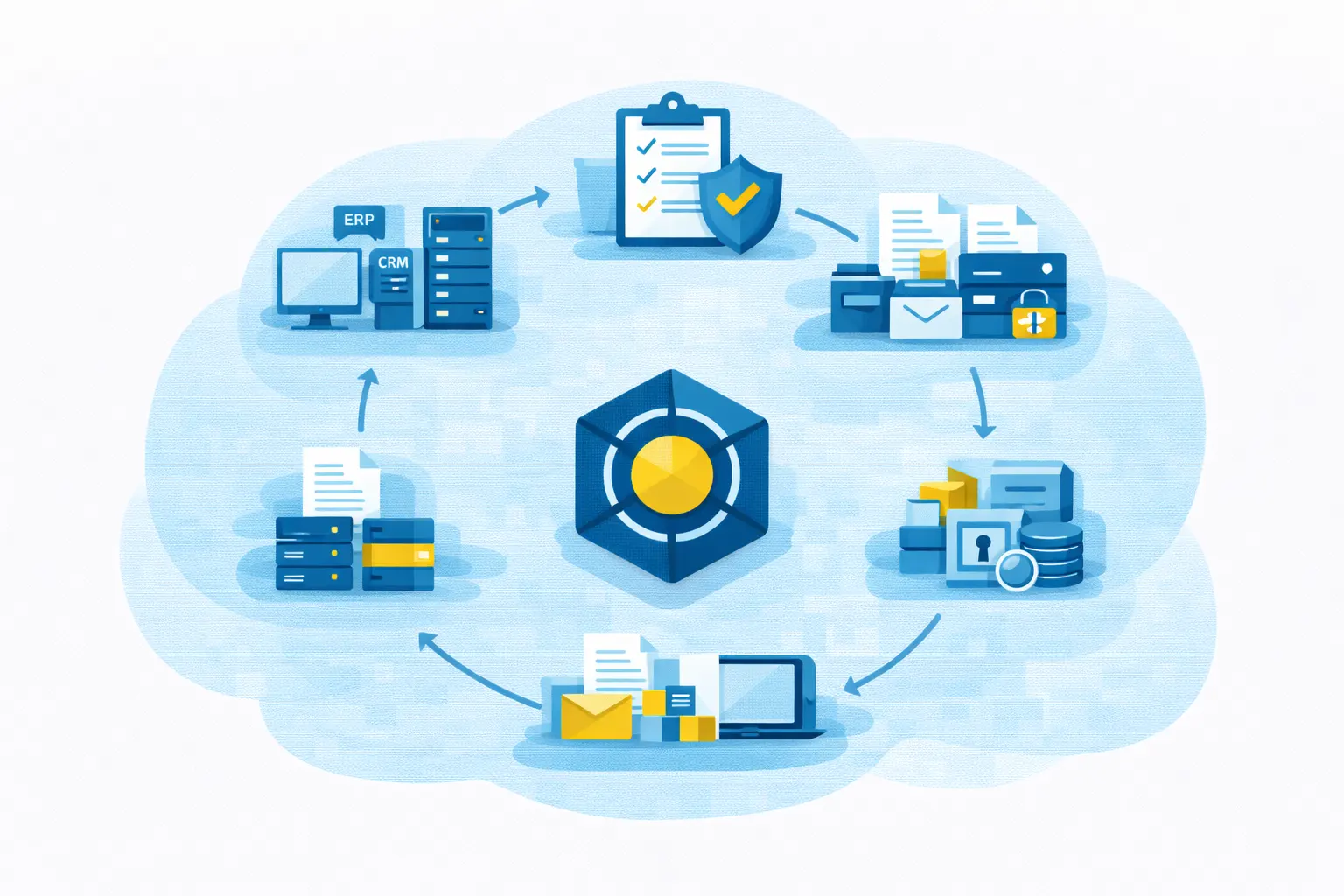
Key Components of Document Workflow Automation
A robust enterprise document workflow automation solution typically includes:
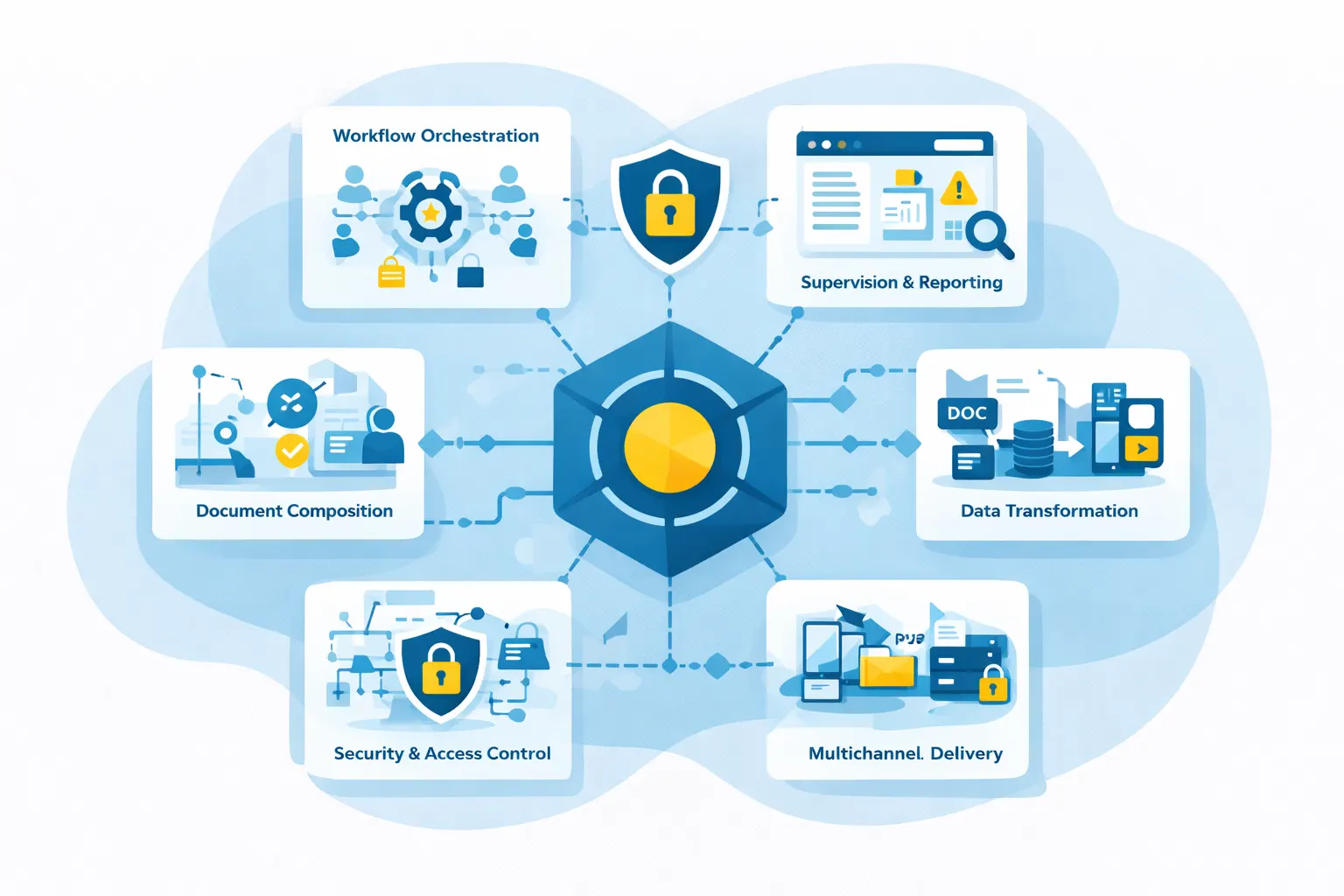
Workflow Orchestration Engine
Defines and executes rules, conditions, approvals, and routing logic across systems and departments.
Document Composition and Design
Ensures documents are created dynamically, using structured data while maintaining brand and compliance standards.
Data Transformation and Conversion
Handles complex input and output formats, enabling seamless conversion between existing and modern systems.
Multi-Channel Delivery
Manages digital and physical distribution from a single platform, ensuring consistency and traceability.
Security and Access Control
Applies authentication, authorization, encryption, and audit logs to protect sensitive documents.
Monitoring and Reporting
Provides real-time visibility into document flows, performance, exceptions, and compliance status.
Benefits of Document Workflow Automation for Enterprises
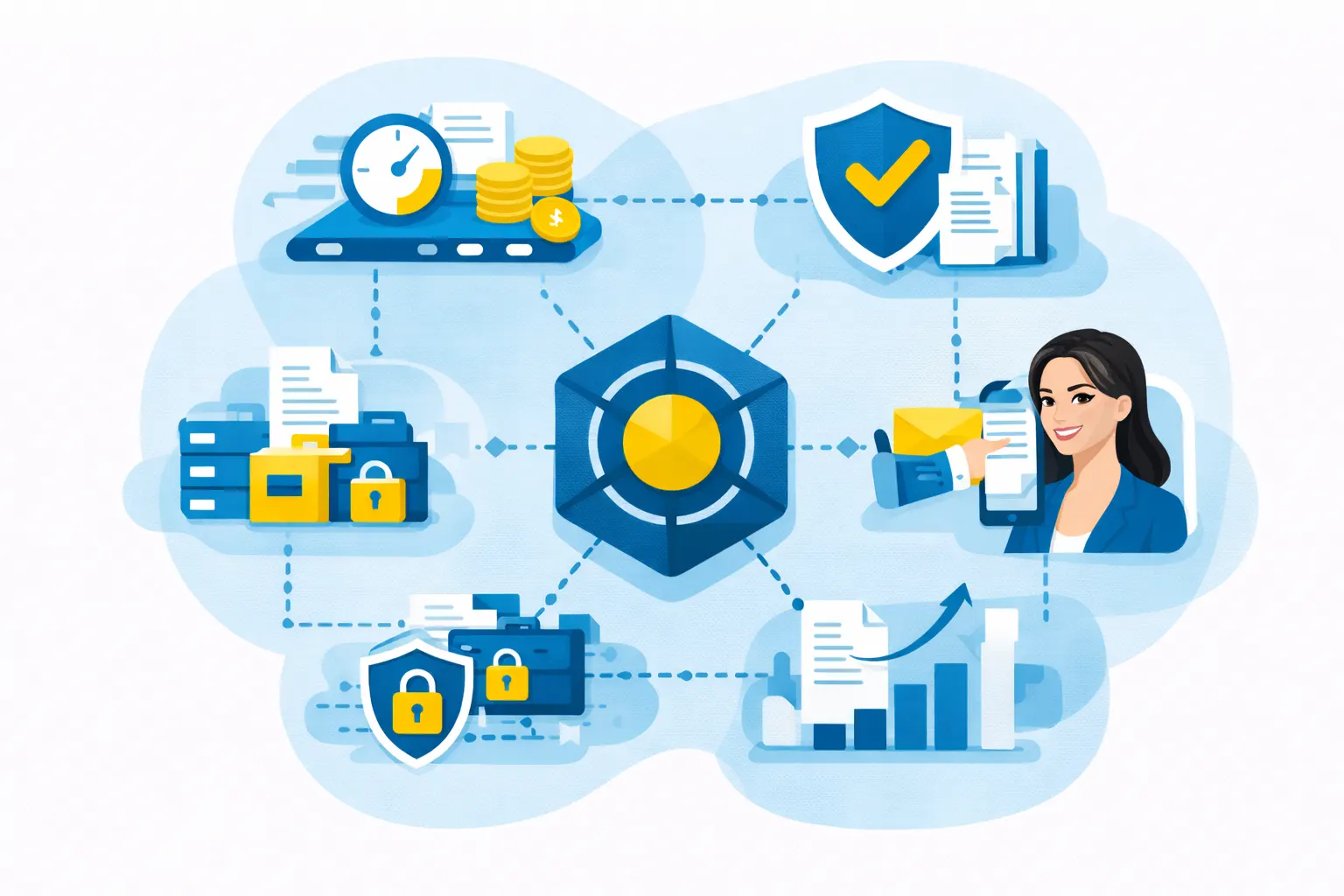
Operational Efficiency
Automation eliminates manual handling, reducing processing time and operational bottlenecks.
Cost Reduction
Lower printing, postage, rework, and IT maintenance costs through centralized control and optimization.
Compliance and Risk Reduction
Built-in traceability, audit trails, and retention policies help meet regulatory requirements.
Improved Customer Experience
Faster, more accurate, and personalized communications enhance trust and satisfaction.
Scalability
Automated workflows handle high volumes without linear increases in cost or staffing.
Document Workflow Automation vs ECM, EDM, and CCM
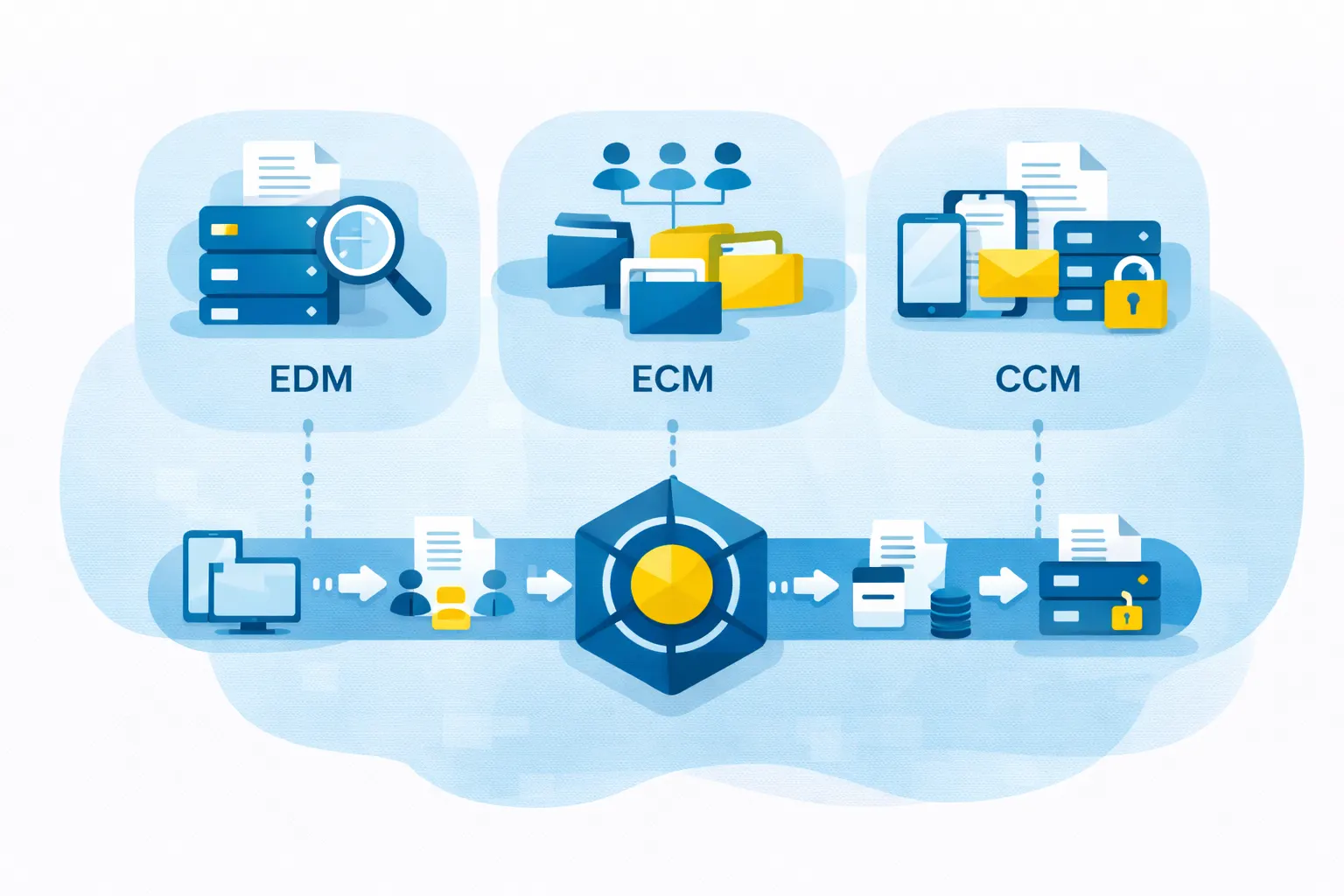
These terms are often used interchangeably, but they serve different purposes:
- EDM (Electronic Document Management) focuses on storing and retrieving documents.
- ECM (Enterprise Content Management) adds structure, governance, and collaboration.
- CCM (Customer Communication Management) specializes in outbound customer communications.
Document workflow automation connects all of these by focusing on process orchestration, not just storage or delivery. It ensures documents move seamlessly across systems, teams, and channels.
Common Enterprise Use Cases
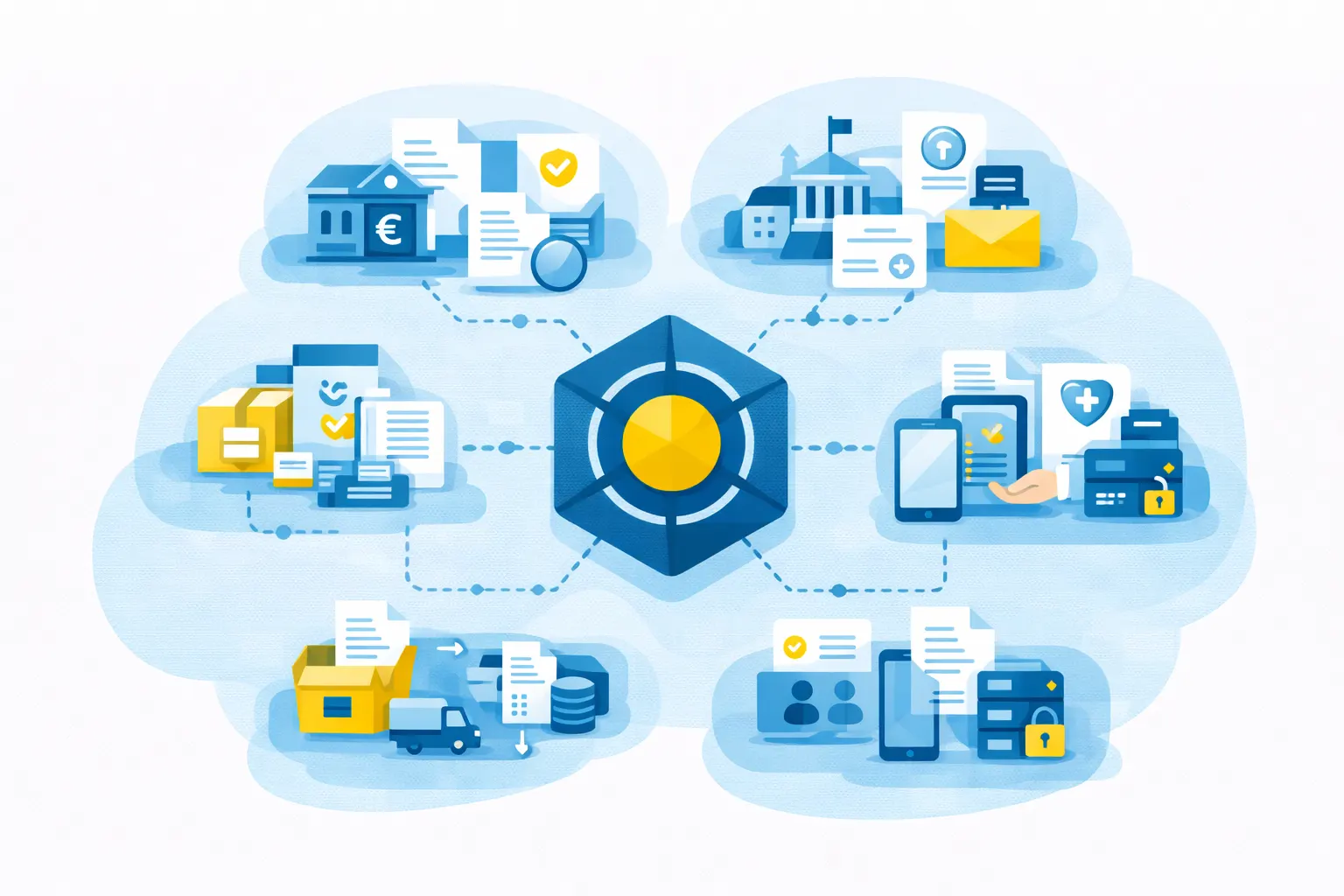
Document workflow automation is widely used across industries:
- Banking & Insurance: Statements, policies, claims, regulatory communications
- Public Sector: Citizen correspondence, permits, official notifications
- Healthcare: Patient documents, billing, compliance records
- HR & Payroll: Payslips, contracts, onboarding documentation
- Logistics & Utilities: Invoices, service notifications, operational reports
Organizations like MPI Tech support these use cases with modular platforms designed for high-volume, regulated environments.
Implementation Challenges and Best Practices
Implementing a document automation solution is not just a technical project. It involves organizational and methodological transformation, which brings with it several common challenges:
Common Challenges:
Integration of existing systems
IT environments are often heterogeneous, combining modern applications and existing systems.
Siloed organization
Document processes are often separated from one another, sometimes without unified governance.
Resistance to change
Automation changes work habits and requires support and training.
Heterogeneity of document standards
Multiple models, formats, and rules, often not centralized.
Best Practices:
Prioritize high-impact workflows
Identify the processes that generate the most volume, costs, or risks.
Prioritize modular and scalable solutions
Ensure gradual ramp-up without completely overhauling the existing system.
Centralize templates and document rules
Ensure consistency, compliance, and control over changes.
Involve IT, business units, and compliance from the outset
Align operational, technical, and regulatory objectives.
Measure performance and continuously improve
Track key indicators and adjust workflows to optimize performance over the long term.
How to choose the right document automation platform
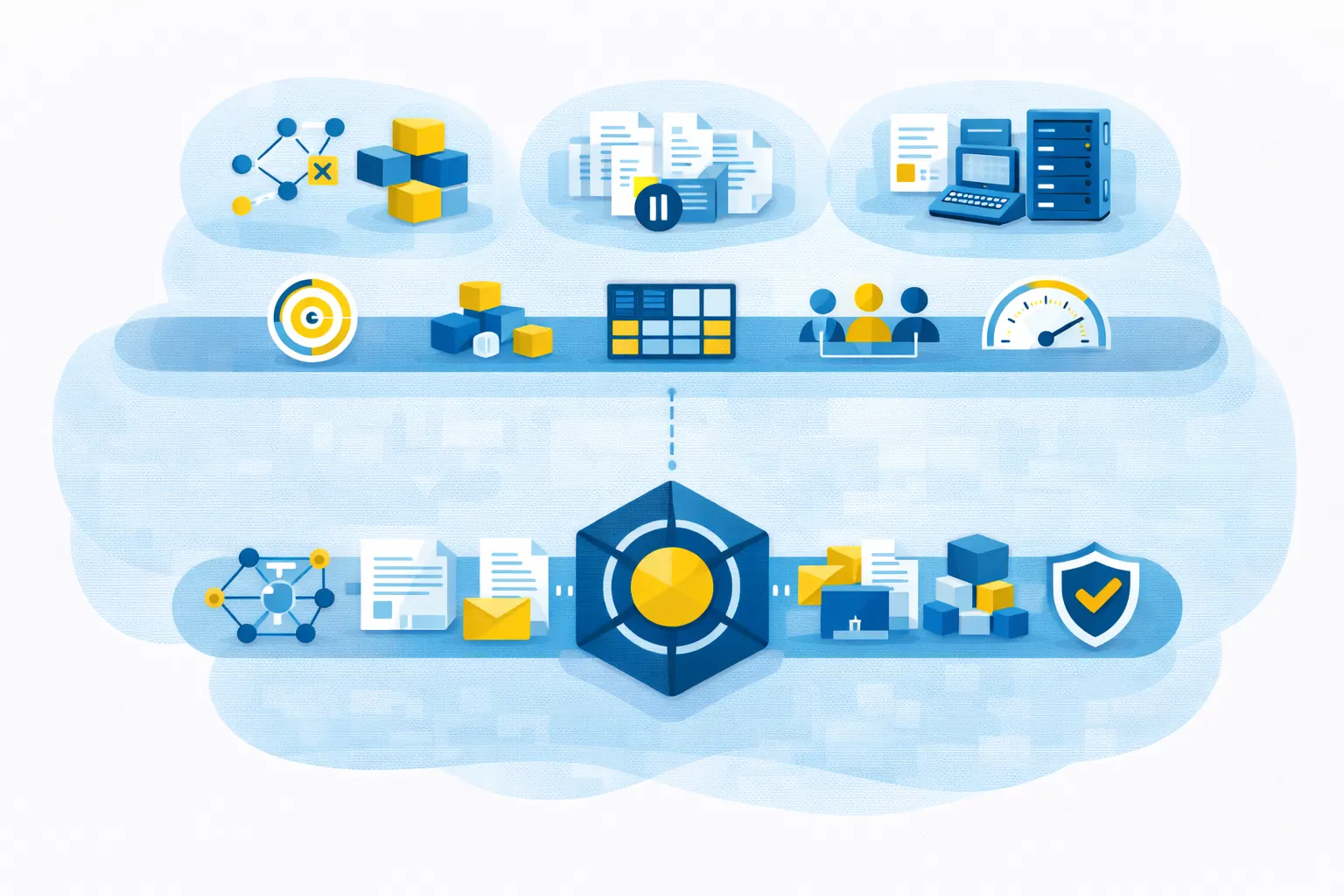
Choosing a platform is a long-term commitment for an organization. It is not just a matter of adding a tool, but of structuring document workflow management in a sustainable way.
Several criteria must be carefully evaluated:
Compatibility with the existing ecosystem
Ability to integrate with existing ERP, CRM, business applications, and environments.
Management of complex volumes and workflows
Ability to handle high volumes, multiple formats, and cross-functional processes without loss of performance.
Security and compliance
Advanced features for access control, traceability, regulatory archiving, and protection of sensitive data.
Modularity and scalability
Ability to adapt the solution to future needs and support the organization’s growth.
Provider expertise and sustainability
Technological robustness, capacity for innovation, and long-term support.
The challenge is not limited to automating tasks. It involves establishing sustainable operational management that can evolve with business, regulatory, and technological requirements.
The Future of Workflow Automation
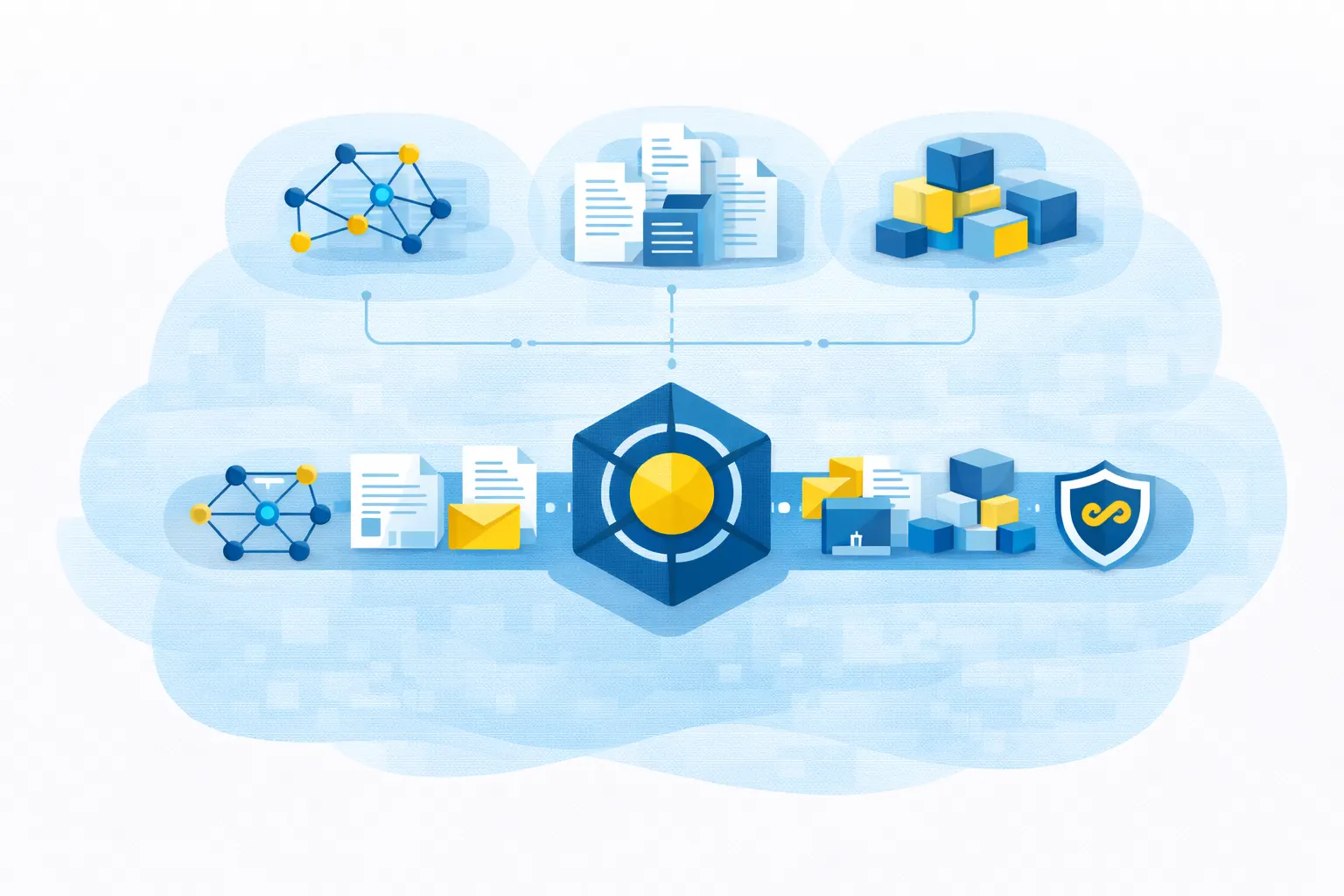
Automation is entering a new phase of maturity, driven by several major developments:
Intelligence enhanced by analytics and AI
Flow analysis, anomaly detection, continuous optimization, and decision support.
Ever closer integration with enterprise systems
Seamless interconnection with ERP, CRM, and business platforms for cross-functional process management.
Compliance built in from the design stage
Security, traceability, and regulatory requirements natively integrated into document architectures.
Increased convergence between digital and physical communication
Unified channel management, continuity of experience, and consistency of interactions.
As infrastructure and operational models are modernized, document automation will no longer be perceived as a support function.
It will become a strategic lever for performance, risk management, and customer experience.