


Assessment of Document Workflows:
Evaluate, Optimize, and Future-Proof Your Document Processes


Is Your Document Workflow Helping Your Business – or Holding It Back?
What is a document workflow?
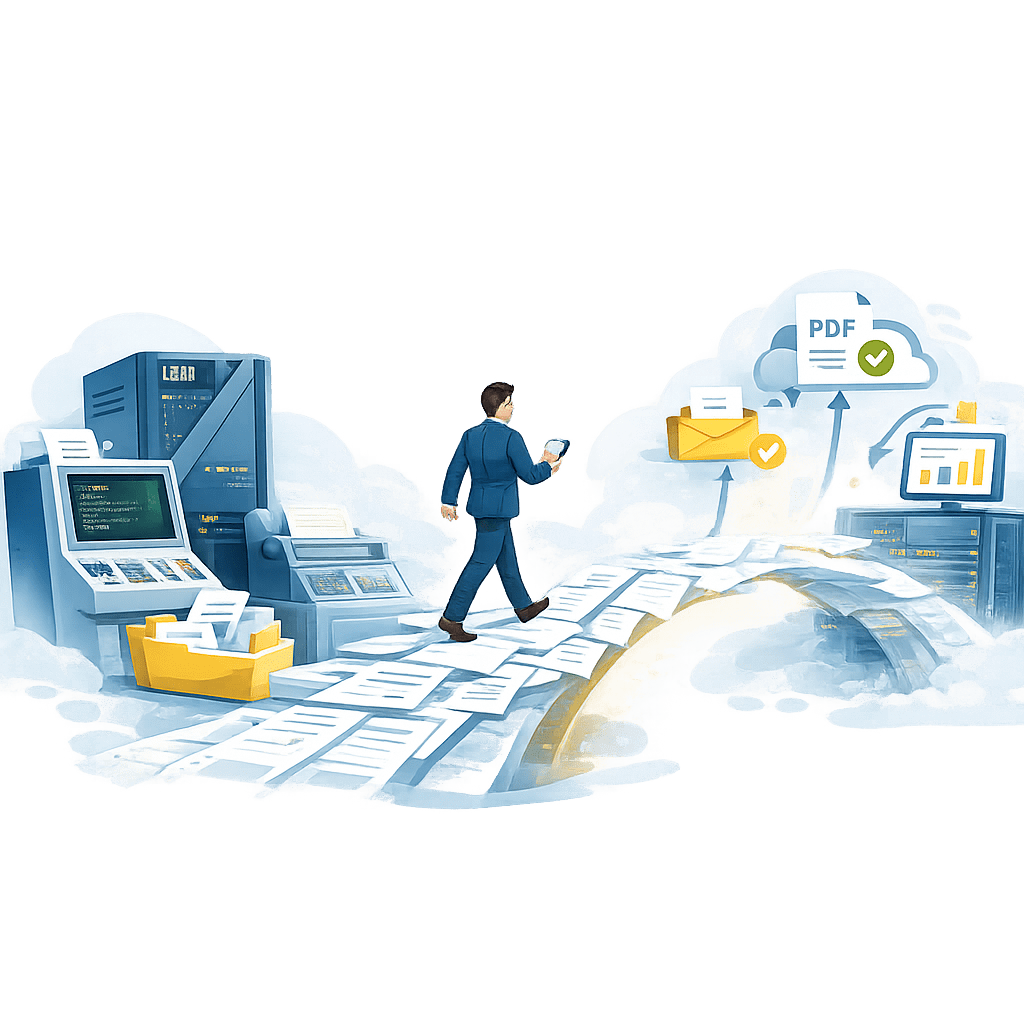
This refers to the set of processes through which a company’s documents are created, processed, approved, distributed, archived, and accessed.
For example:
- document creation
- data extraction
- validation and approval
- formatting and customization
- printing
- distribution via email
- digital distribution
- electronic archiving after indexing
- search and retrieval
Effective management of these factors improves productivity, reduces costs, and ensures compliance…


Why Assess Your Document Workflows?
In a company, it is very common that:
- Documents are processed manually.
- Identical tasks are carried out simultaneously by several departments.
- Searching for information is very slow.
- Printing and postage costs are higher than they should be.
- It is difficult to demonstrate compliance with the law in the event of an audit.
- Legacy practices create bottlenecks.
A structured assessment allows you to:
✓ Reduce operating costs
✓ Improve productivity
✓ Enhance security
✓ Increase compliance
✓ Automate repetitive tasks
✓ Improve customer communications
✓ Support digital transformation initiatives
Checklist for Evaluating Document Workflows
1. Document Creation and Capture
Check the following:
□ Are documents generated from multiple business applications?
□ Are document templates centrally managed?
□ Can users easily create compliant documents?
□ Are document versions controlled?
□ Is data automatically captured from business systems?
□ Are scanned documents indexed automatically?
Warning Signs
- Multiple versions of the same template
- Manual document creation
- Frequent formatting errors
- Duplicate data entry

2. Workflow Automation
Evaluate whether:
□ Document routing is automated.
□ Approval workflows are standardized.
□ Notifications and escalations are automated.
□ Business rules are consistently applied.
□ Manual interventions are minimized.
Warning Signs
- Email-based approval processes
- Spreadsheet tracking
- Frequent processing delays
- Lack of visibility into workflow status
3. Multi-Channel Distribution
Assess your document delivery processes:
□ Can documents be distributed through multiple channels?
□ Are print, email, digital delivery, and archiving managed centrally?
□ Is delivery status tracked?
□ Are customer communication preferences respected?
□ Can delivery methods be modified without changing business applications?
Warning Signs
- Separate systems for each delivery channel
- No delivery confirmation
- Inconsistent customer communications
- High mailing costs


4. Document Security and Compliance
Review your security posture:
□ Are access rights centrally managed?
□ Are documents encrypted where appropriate?
□ Can you demonstrate compliance during audits?
□ Is sensitive information protected?
□ Are document retention policies enforced?
Warning Signs
- Shared folders containing sensitive information
- Lack of an audit trail
- Uncontrolled access permissions
- Manual management of retention periods
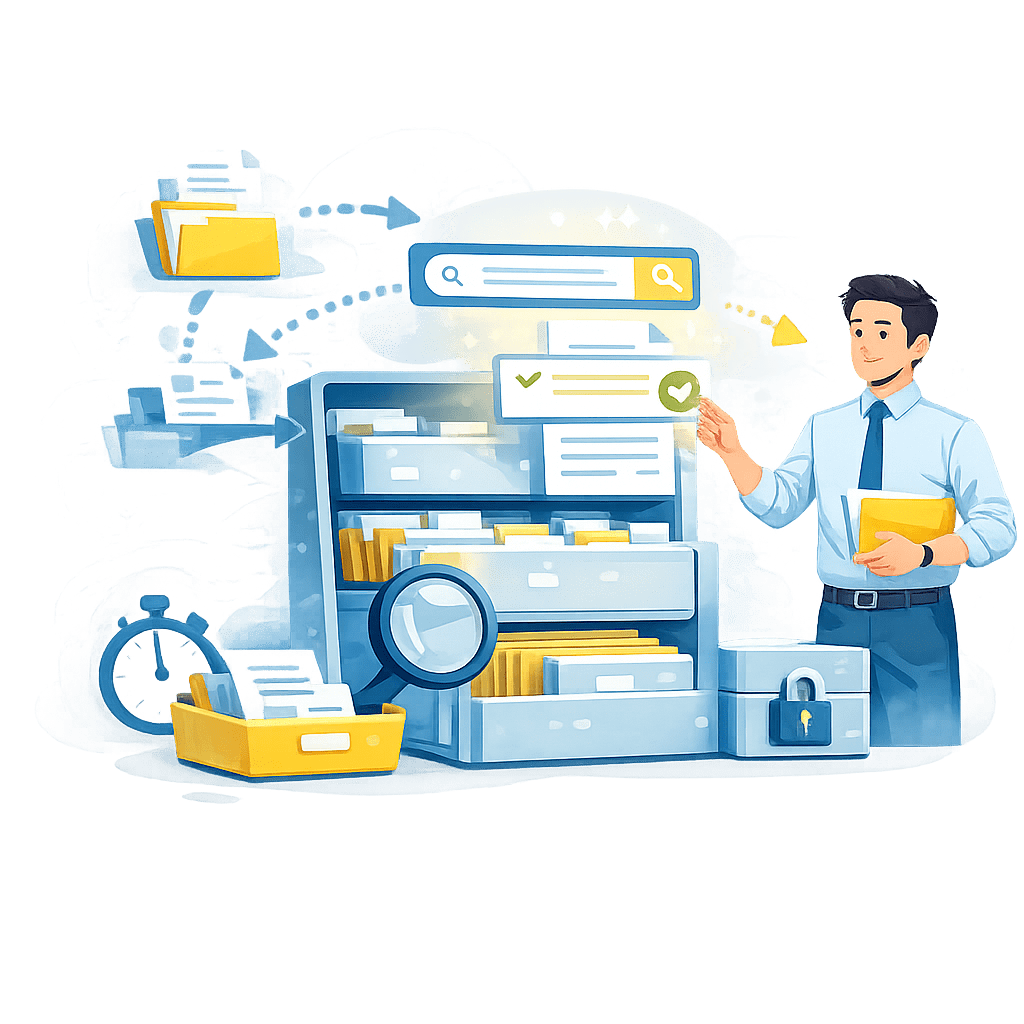
5. Archiving and Retrieval
Evaluate your archiving strategy:
□ Can documents be located quickly?
□ Are archives searchable?
□ Are retention periods automated?
□ Can users retrieve historical documents independently?
□ Is long-term preservation supported?
Warning Signs
- Paper archives
- Slow document retrieval
- Multiple archive repositories
- Lack of indexing
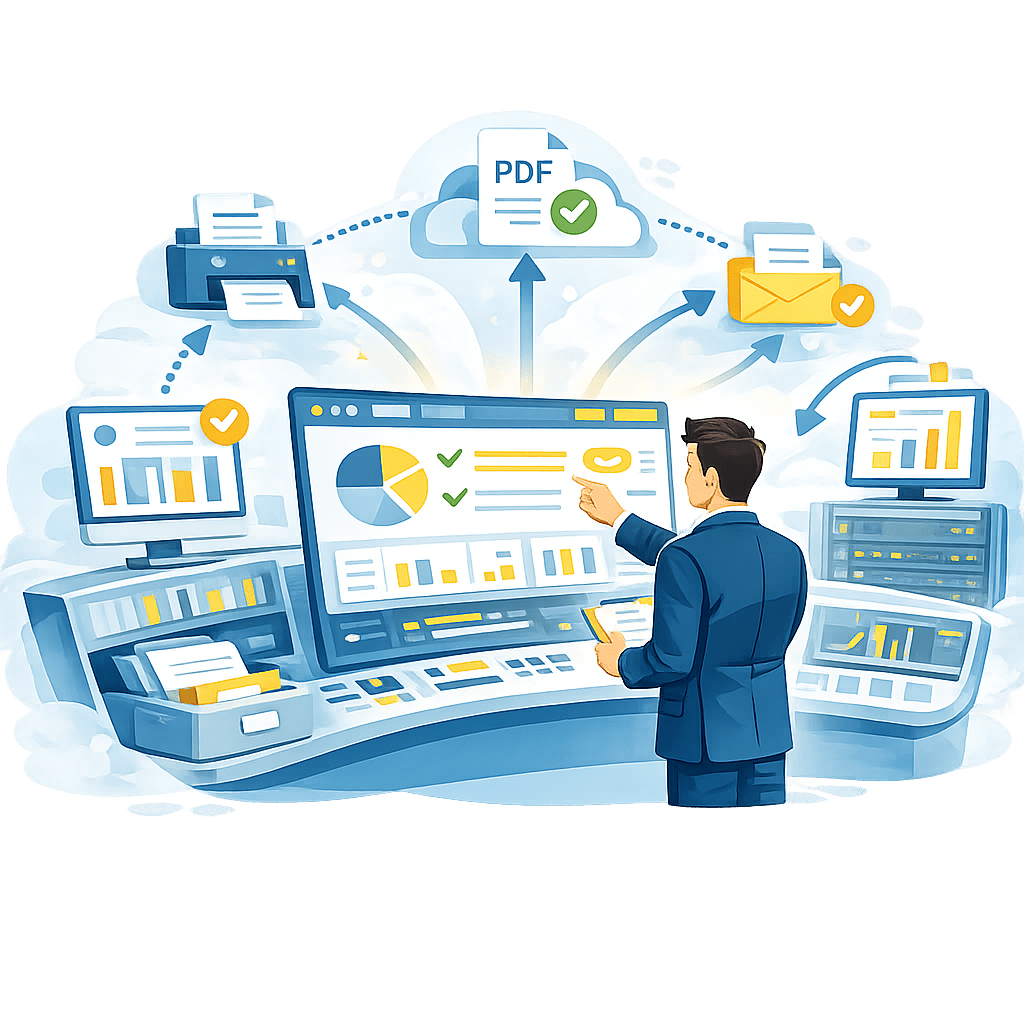
6. Print and Output Management
Assess document output processes:
□ Is output management centralized?
□ Can documents be routed automatically?
□ Are print resources optimized?
□ Can output be redirected between channels?
□ Is production monitored and controlled?
Warning Signs
- Multiple print management tools
- Manual print routing
- High production costs
- Limited visibility into output operations
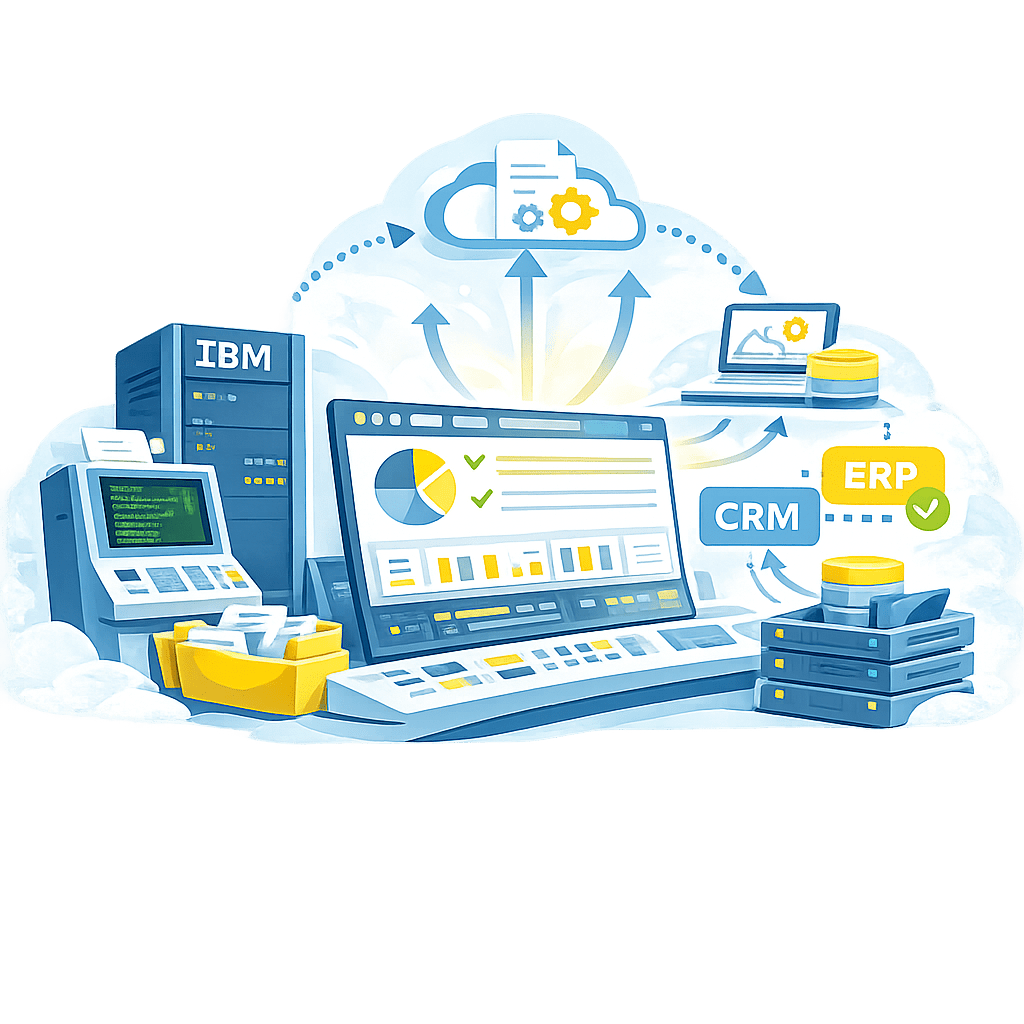
7. Integration of Existing Applications
For organizations using IBM Mainframes, IBM Power Systems (AS/400), ERP, CRM, or other legacy environments.
Check the following:
□ Can existing applications remain unchanged?
□ Are document workflows integrated across platforms?
□ Can legacy output be delivered digitally?
□ Are AFP, IPDS, PDF, and modern formats supported?
Warning Signs
- Legacy systems isolated from modern workflows
- Custom manual workarounds
- Limited integration capabilities

Document Workflow Maturity Score
Beginner (0–10 Yes Answers)
Document processes are primarily manual and fragmented.
Intermediate (11–25 Yes Answers)
Some automation exists, but opportunities remain to improve efficiency, visibility, and compliance.
Advanced (26–40 Yes Answers)
Document workflows are largely optimized and automated.
Best-in-Class (40+ Yes Answers)
Your organization has established a mature document workflow environment capable of supporting future digital transformation initiatives.
Most Common Opportunities
Document workflow assessments often reveal opportunities to:
- Consolidate document management systems
- Automate approval processes
- Reduce printing and postage costs
- Improve the distribution of customer communications
- Strengthen compliance and document governance
- Increase visibility into document operations
- Modernize document workflows in legacy environments
Even small improvements can lead to significant gains in productivity, operational efficiency, and customer satisfaction.

FAQ (Frequently Asked Questions)
What is document workflow management?
Document workflow management involves controlling how documents are created, processed, approved, distributed, stored, and accessed throughout their lifecycle.
Why are document workflows important?
Efficient document workflows reduce manual tasks, improve productivity, enhance compliance, and ensure that the right information reaches the right people at the right time.
How can you improve your document workflows?
Improving document workflows generally involves automation, process centralization, system integration, digitization, and the implementation of appropriate document management solutions.
What are the benefits of workflow automation?
Automation helps reduce errors, improve visibility, speed up processing times, enhance compliance, and lower operating costs.
How often should document workflows be evaluated?
An annual assessment is recommended, as well as in connection with a digital transformation, compliance, or process optimization project.

Identify Opportunities for Document Workflow Improvement
Have you identified challenges related to document creation, distribution, output management, archiving, compliance, or automation?
If so, it may be time to review your organization’s document strategy.
MPI Tech helps companies and public agencies optimize document workflows, automate communications, modernize legacy systems, and gain complete visibility into the document lifecycle.
Contact our experts to analyze the results of this assessment and identify opportunities for improvement tailored to your organization’s needs.